The Best Linktree Alternative Depends on Your Goal
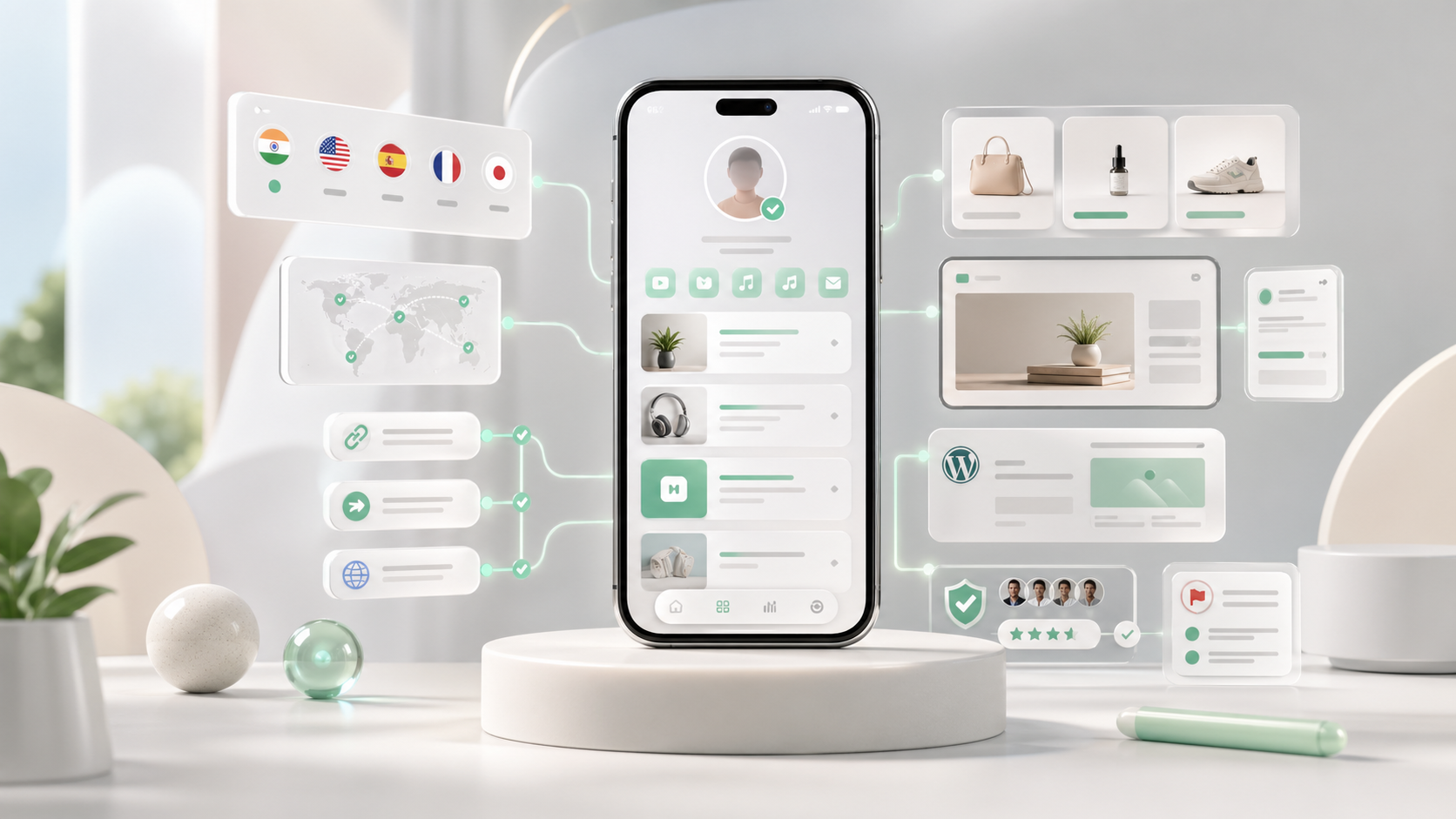
A practical comparison of Linktree alternatives by pricing, use case, and creator goal, with Shuuka positioned for multilingual identity, trust, routing, embeds, apps, and customization.



Linktree Alternatives Compared by Price and Use Case
| Tool Starting price Paid pricing Best for |
| Shuuka | Free | Pro $5.50/mo, Enterprise $13.99/mo | Official multilingual identity, Smart Routes, embeds, apps, short links, affiliate links, and fake-profile protection |
| Linktree | Free | Starter from $8/mo, Pro from $15/mo, Premium from $35/mo monthly | Simple, familiar link-in-bio pages |
| Beacons | Free | Creator $10/mo, Creator Plus $30/mo, Creator Max $90/mo | Creator business hub with media kit, store, email, and analytics |
| Stan Store | 14-day trial | Creator $29/mo, Creator Pro $99/mo | Selling digital products, courses, bookings, and memberships |
| Later Link in Bio | Free with Later account | Paid plans vary by scheduling needs | Making Instagram and TikTok posts clickable |
| Carrd | Free | Pro Lite $9/yr, Standard $19/yr, Plus $49/yr | Custom one-page sites and portfolios |
| Milkshake | Free | Lite $2.99/mo, Pro $59.99/yr, Pro+ $99.99/yr | Fast mobile-first visual bio pages |
| Squarespace Bio Sites | Free | Expands through Squarespace ecosystem if needed | Simple visual bio sites that can grow into a website |
The important point: the cheapest option is not always the best. The right tool is the one that removes friction between attention and action.
When Shuuka Makes More Sense Than Linktree
Shuuka isn’t a list of links. It’s your official identity layer. Built for creators who need proof of ownership, global reach, fast routing, and room to grow with apps. Real multilingual—not browser translation. Your audience sees your content in their language, natively. Trust is built in. Verified identity + Community Shield help your audience confirm it’s really you.
Beyond bio. Embed anywhere, use WordPress, create short links, run Smart Routes, manage affiliates, install or build apps.
Choose Shuuka when your presence needs to be official, global, extensible—and hard to fake.
Pros
- True multi-language link-in-bio profiles for global audiences.
- Verified identity signals help visitors know they found the real profile.
- Community Shield lets your audience report fake profiles.
- Smart Routes and short links reduce friction between a post and the right destination.
- Affiliate links hub helps creators manage campaign and partner links.
- Profiles can be embedded into your own website.
- WordPress plugin support makes it easier to add your profile to a WordPress site.
- Highly customizable profiles with themes, apps, and custom profile experiences.
- Developers can build custom apps instead of waiting for a platform roadmap.
Cons
- Newer than the biggest link-in-bio brands.
- More advanced than necessary if you only need three basic links.
- Some creators may need time to understand the identity, routing, and app model.
When Linktree Still Makes Sense
Linktree still makes sense if you want a familiar link-in-bio page that visitors already recognize. It is useful for creators who need a quick page with unlimited links, social embeds, analytics, email collection, QR codes, scheduling, and simple monetization tools.
Choose Linktree if your main priority is speed and familiarity, not a deeper identity system or custom creator infrastructure.
Pros
- Very recognizable to audiences.
- Fast setup for beginners.
- Good range of embeds and link blocks.
- Free plan is enough for basic link sharing.
- Paid plans add analytics, scheduling, email collection, and monetization tools.
Cons
- Many pages look generic unless you spend time customizing.
- It is still mainly a link list for many creators.
- Advanced branding, analytics, and monetization features depend on plan.
- Less focused on verified identity, multilingual profile structure, and fake-profile reporting.
Choose Beacons for a Creator Business Hub
Beacons is a good fit when your link-in-bio page also needs to support brand deals, email capture, digital products, affiliate links, and a media kit. It works best for creators who want one dashboard for their audience, sponsors, products, and outreach.
Choose Beacons if your bio page is becoming part of your creator business operations, not just a place to store links.
Pros
- Strong all-in-one creator toolkit.
- Includes media kit features for brand partnerships.
- Supports store, email, analytics, affiliate links, and AI tools.
- Free plan gives creators room to start.
- Useful for creators managing both audience and sponsor workflows.
Cons
- Can feel busy if you only need a clean profile page.
- Seller fees apply on some plans.
- Broad feature set may require more setup decisions.
Choose Stan Store When Selling Is the Main Job
Stan Store is closer to a creator storefront than a classic link-in-bio page. It works best when you already have something to sell: a course, template, coaching call, membership, webinar, paid community, or lead magnet.
Choose Stan Store if your bio page’s main job is to move followers into a checkout flow.
Pros
- Built around selling from social traffic.
- Strong checkout and digital product workflow.
- Good fit for courses, bookings, memberships, lead magnets, and coaching.
- Creator Pro adds email, upsells, discounts, affiliate tools, and pixel tracking.
- Clear monetization focus.
Cons
- No permanent free plan.
- Starting cost is higher than simple bio tools.
- Less useful if you do not already have an offer to sell.
- More storefront than identity layer.
Choose Later Link in Bio for Clickable Social Posts
Later Link in Bio is useful for creators whose traffic comes from Instagram or TikTok posts. It helps connect published content to relevant links, products, or pages, which is useful for outfit posts, recipes, product mentions, tutorials, and campaign content.
Choose Later if your main problem is making individual social posts easier to shop, browse, or revisit.
Pros
- Strong for post-based routing.
- Useful if you already use Later for scheduling.
- Makes Instagram and TikTok content easier to connect to destinations.
- Supports clickable feeds and campaign-style workflows.
Cons
- Best value comes when you use Later’s broader scheduling platform.
- Less flexible as a standalone identity page.
- Not built primarily for deep customization or creator-owned apps.
Choose Carrd When You Want Control
Carrd is a good option when you want a custom one-page website, not a standard bio page. It works well for portfolios, services pages, newsletter landing pages, speaking pages, and clean personal sites.
Choose Carrd if you want more design control and you are comfortable assembling the rest of your creator stack yourself.
Pros
- Very affordable annual pricing.
- Strong design flexibility.
- Supports custom domains, forms, embeds, widgets, analytics options, and meta tags on paid plans.
- Good for creators who want a page that feels more like a personal site.
Cons
- Not creator-commerce native.
- You need to assemble selling, email, booking, and analytics tools yourself.
- Less plug-and-play than dedicated link-in-bio platforms.
Choose Milkshake for a Fast Mobile-First Page
Milkshake is a good fit for creators who want a visual mobile-first page without building a full website. Its card-based structure works well for simple content, links, offers, and creator introductions.
Choose Milkshake if you want something quick, visual, and easy to maintain from a phone-first workflow.
Pros
- Fast to set up.
- Mobile-first card format is easy to understand.
- Free plan includes unlimited links and cards.
- Paid plans add branding removal, forms, SEO tools, analytics history, and custom domains.
Cons
- Lighter than a full creator business system.
- Less suited to advanced routing, identity proof, affiliate operations, or custom apps.
- Design flexibility is simpler than a full website builder.
Choose Squarespace Bio Sites for a Simple Visual Start
Squarespace Bio Sites is useful for creators who want a clean free bio site that can later connect into a broader website presence. It is especially practical if you already like the Squarespace ecosystem or plan to build a full website later.
Choose Bio Sites if you want a simple, polished starting point rather than an advanced creator operating system.
Pros
- Free starting point.
- Clean visual templates.
- Good for creators who may eventually build a full website.
- Simple way to connect links, products, socials, and offers.
Cons
- Less specialized for advanced creator workflows.
- Not focused on verified identity or fake-profile reporting.
- Less powerful for short links, affiliate hubs, Smart Routes, or custom app experiences.
How to Pick the Right Linktree Alternative
Before switching tools, answer five questions:
- What is the main action you want visitors to take?
- Do you need trust, selling, booking, email capture, multilingual content, or only links?
- Do you care more about speed, design control, routing, or conversion?
- Will the page support fans, customers, brands, affiliates, or all of them?
- Which cost matters most right now: monthly fee, seller fee, setup time, or lost trust?
If you cannot answer those questions, changing tools will not fix the page. It will only move the same confusion somewhere else.
A better bio page starts with a clearer job.
Sources
- Checked on: April 27, 2026
- Shuuka homepage - verified pricing, free plan positioning, verified identity, Smart Routes, apps, themes, analytics, and impersonation protection.
- Shuuka features - verified official identity, proof, smart routes, apps, themes, and protection positioning.
- Shuuka Link Intelligence - verified short links, routing, analytics, and UTM management.
- Shuuka WordPress - verified WordPress profile integration.
- Linktree pricing - verified Linktree plans, features, analytics, scheduling, and monetization details.
- Beacons pricing - verified Beacons pricing and creator business features.
- Stan Store Creator vs. Creator Pro - verified Stan Store pricing and plan features.
- Later Link in Bio features - verified Later Link in Bio features.
- Carrd Pro plans - verified Carrd annual pricing and Pro features.
Tagged with
Continue reading

How Fashion Creators Can Turn Spring Trends Into Bio Clicks
Spring fashion and beauty searches are rising around nostalgic, specific items. Here is how influencers can turn trend attention into clearer bio clicks.
What to Put in Your Link in Bio If You're a Travel Creator
Many travel creators lose conversions because their bio page tries to show every trip, link, and affiliate offer at once. A better travel link in bio leads with one clear next step and matches how followers actually discover your content.

How Creators Can Ride a Bollywood Trend Without Looking Desperate
A practical guide for influencers on using Bollywood trends for useful content without making generic reaction posts.