How Fashion Creators Can Turn Spring Trends Into Bio Clicks
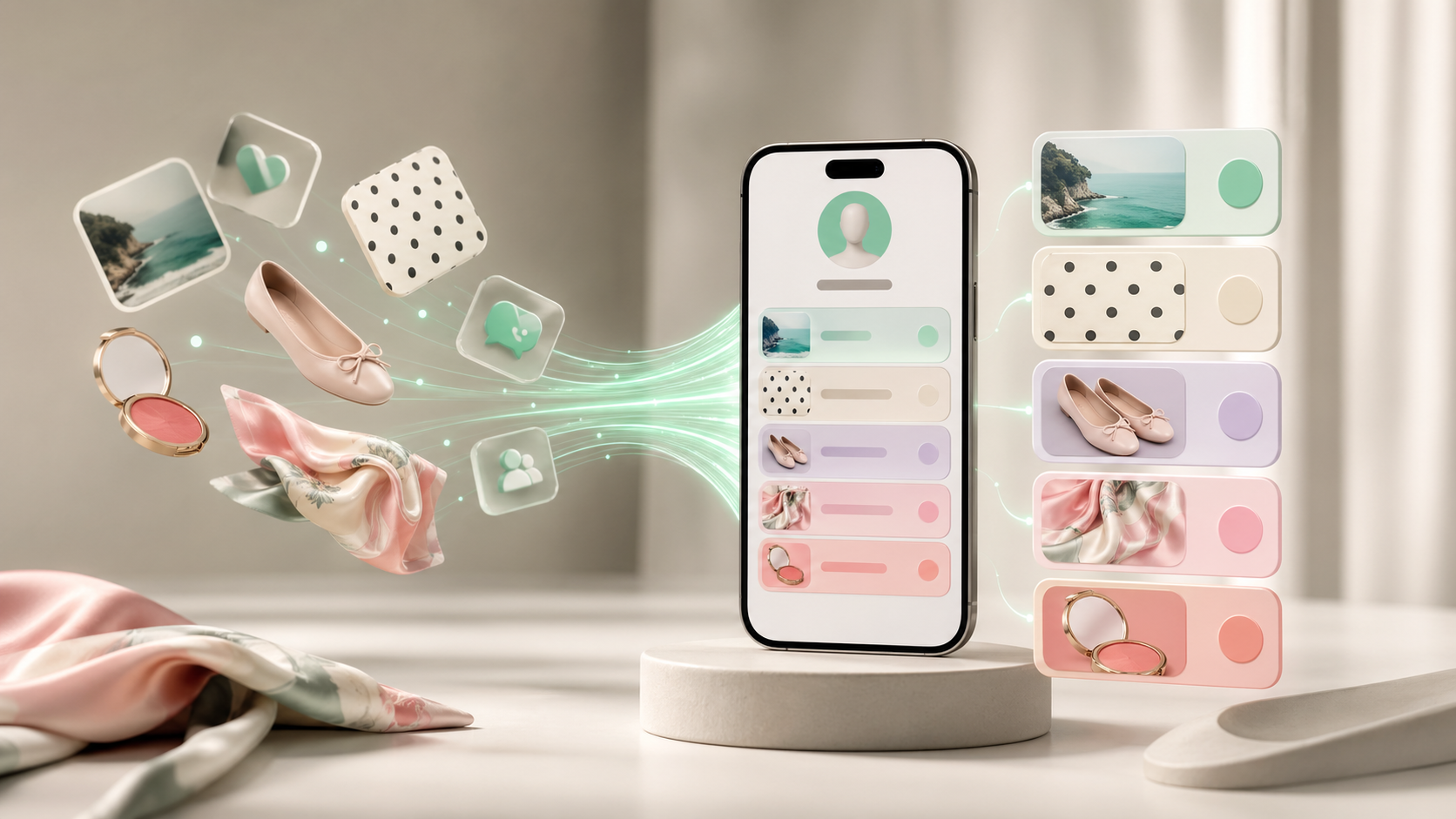
Spring fashion and beauty searches are rising around nostalgic, specific items. Here is how influencers can turn trend attention into clearer bio clicks.



Google searches are pointing to a clear spring 2026 style pattern: nostalgic fashion and bold beauty details are back. For influencers, the opportunity is not just making a post about capris, polka dots, silk scarves, French tips, or blue mascara. The opportunity is using those moments to route viewers to one useful next step.
A trend post can get attention. A good bio page turns that attention into saves, sales, email signups, styling requests, affiliate clicks, or brand interest.
The Trend Is Specific, So Your Bio Should Be Specific
Google’s April 2026 fashion and beauty trend report shows search interest rising around very specific items: capri pants, polka dots, lace skirts, ballet flats, kitten heels, chunky jewelry, silk scarves, modern shag haircuts, French tips, and bright makeup.
That matters because broad creator links like “shop my looks” or “all my favorites” are too vague when someone arrives from a specific post.
If a viewer taps from a video about polka dot outfits, they should land near a polka dot edit. If they tap from a blue mascara tutorial, they should see the product list, shade notes, and related makeup looks first. The link in bio should continue the conversation the post started.
Build One Trend Hub Instead of Ten Random Links
Creators often react to trends by adding another link. That quickly turns the bio page into a drawer full of receipts.
A cleaner approach is to build one seasonal trend hub. Put your strongest spring trend CTA at the top, then organize the rest into clear paths:
- Shop the current look
- See styling ideas by occasion
- Find budget and premium versions
- Get the product list from recent videos
- Join the list for weekly trend edits
This works because trend traffic is impatient. People do not want to decode your whole creator universe. They want the thing they just saw, with enough context to trust the click.
Match Each Post to the Right Landing Section
The biggest conversion leak is mismatch. A creator posts one outfit, the viewer taps the bio, and the page opens to a generic list of links.
For fashion and beauty creators, trend matching can be simple:
| If the post is about Send people to |
| Capri pants outfit | A spring pants edit with sizing and styling notes |
| Polka dot nails | A nail inspo board, polish links, and tutorial steps |
| Ballet flats | A footwear edit sorted by comfort, price, and outfit type |
| Silk scarf styling | A scarf guide with three ways to wear it |
| Blue mascara | A makeup product list with shade comparisons |
The goal is not to create a separate website for every trend. The goal is to make the top of your bio page feel current, intentional, and connected to your newest content.
Add Trust Signals Where People Decide
Trend shoppers hesitate because they have questions. Will this fit me? Is it worth the price? Is the product actually used by the creator? Does the look work outside a perfect video?
Small trust signals help:
- Add a one-line note on fit, texture, or wearability.
- Label affiliate links clearly.
- Separate “I own this” from “similar find.”
- Include price range markers.
- Keep sold-out links updated or marked.
- Put your contact or brand inquiry path somewhere visible.
These details make your page feel curated instead of opportunistic.
Use Search Trends Without Becoming a Trend Account
You do not have to chase every spike. The better play is to choose trends that fit your existing taste and audience.
A minimalist fashion creator might translate the capri trend into neutral capsule outfits. A beauty creator might turn French tips into a short nail series. A lifestyle creator might build a “spring refresh” page with one outfit, one beauty product, one accessory, and one daily routine.
That is how a trend becomes brand-building instead of noise. You borrow the search demand, but you filter it through your point of view.
A Simple Bio Page Setup for This Week
If you want to act on the trend now, update your bio page in this order:
- Put one seasonal CTA at the top: “Spring trend edit” or “Shop my latest spring looks.”
- Add three to five trend sections based on your recent posts.
- Move old, low-click links lower or remove them.
- Add notes that reduce hesitation: fit, shade, price, availability, or use case.
- Keep one evergreen path visible: newsletter, services, brand contact, or media kit.
The point is not to make your bio page look busier. It is to make the next click obvious.
A trend brings the visitor to the door. Your bio page decides whether they walk through it.
Tagged with
Continue reading

The Best Linktree Alternative Depends on Your Goal
A practical comparison of Linktree alternatives by pricing, use case, and creator goal, with Shuuka positioned for multilingual identity, trust, routing, embeds, apps, and customization.

What to Put in Your Link in Bio If You're a Travel Creator
Many travel creators lose conversions because their bio page tries to show every trip, link, and affiliate offer at once. A better travel link in bio leads with one clear next step and matches how followers actually discover your content.

How Creators Can Ride a Bollywood Trend Without Looking Desperate
A practical guide for influencers on using Bollywood trends for useful content without making generic reaction posts.